
Overview
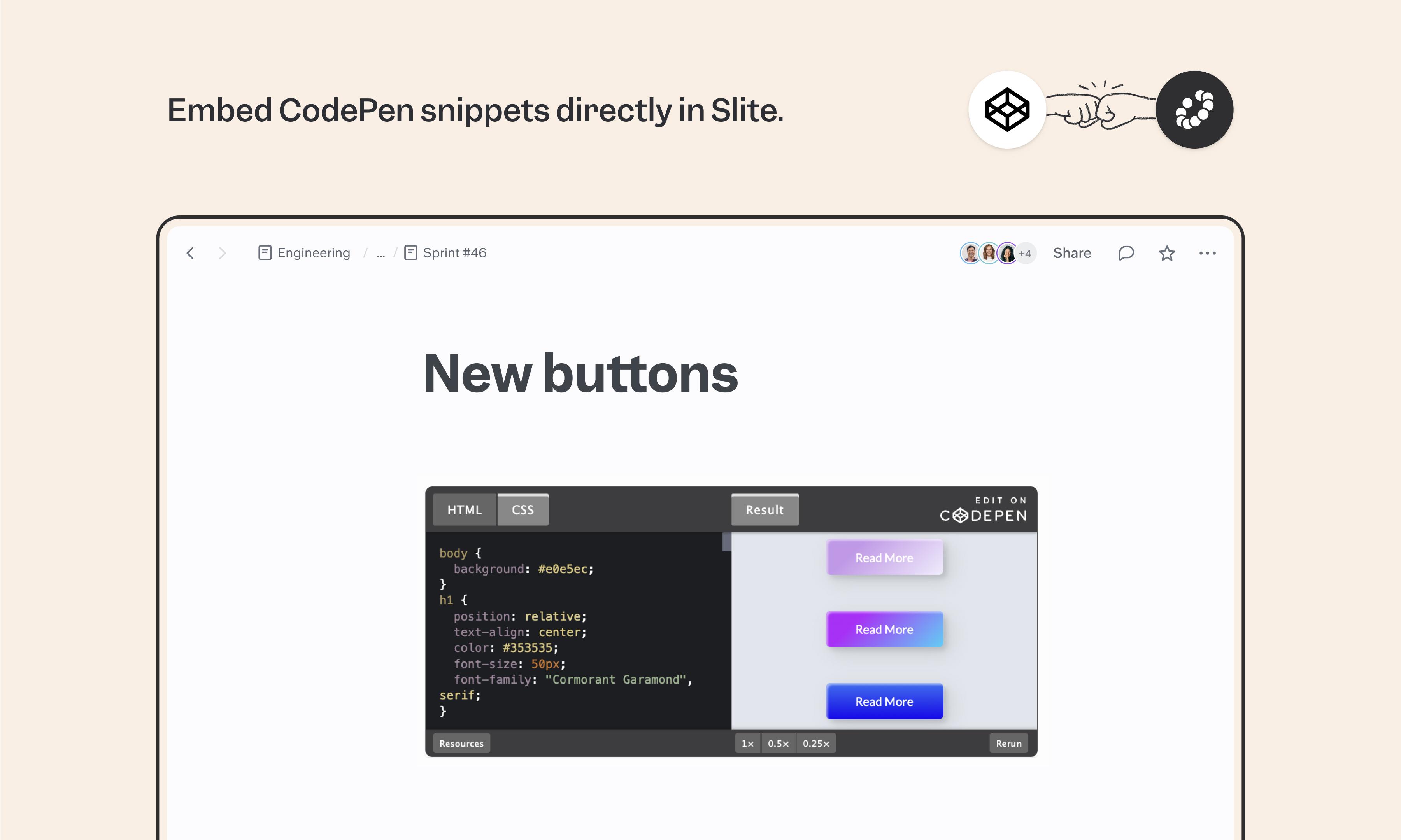
CodePen is the playground engineers and front-end folks use to share live code snippets. The Slite integration embeds those pens directly in your docs, so engineering specs, design system notes, and onboarding guides can include interactive code examples that your team can actually run, not just read.
How it works
Copy the embed code from your CodePen snippet and paste it into your Slite doc. Or, use the /embed command in Slite and insert the CodePen link. The interactive snippet appears inline, ready for your team to view, run, or modify. Make sure your CodePen's sharing settings allow access to anyone you want to view it.
Need help setting up your CodePen integration with Slite? Contact support .
🔒 We take privacy seriously. Slite is SOC 2 Type II certified, GDPR and HIPAA compliant, with all data encrypted in transit and at rest on EU-based infrastructure. Your data is never used to train, nor retained by, third-party LLMs. See our security page for more information.